
الدخول دون كلمة مرور
- افتح الاختبارات وانزل إلى «ادخل بدون كلمة مرور».
- اكتب بريدك وأكمل التحقق.
- اضغط الرابط الذي يصلك في البريد.
إجابات سريعة للطلاب وأولياء الأمور والمعلمين، وأدلة مصوّرة قصيرة.
Quick answers for students, parents and teachers, plus short illustrated guides.
لم نجد إجابة تطابق بحثك. جرّب كلمة أخرى، أو راسلنا من الأسفل.No answer matches your search. Try another word, or contact us below.
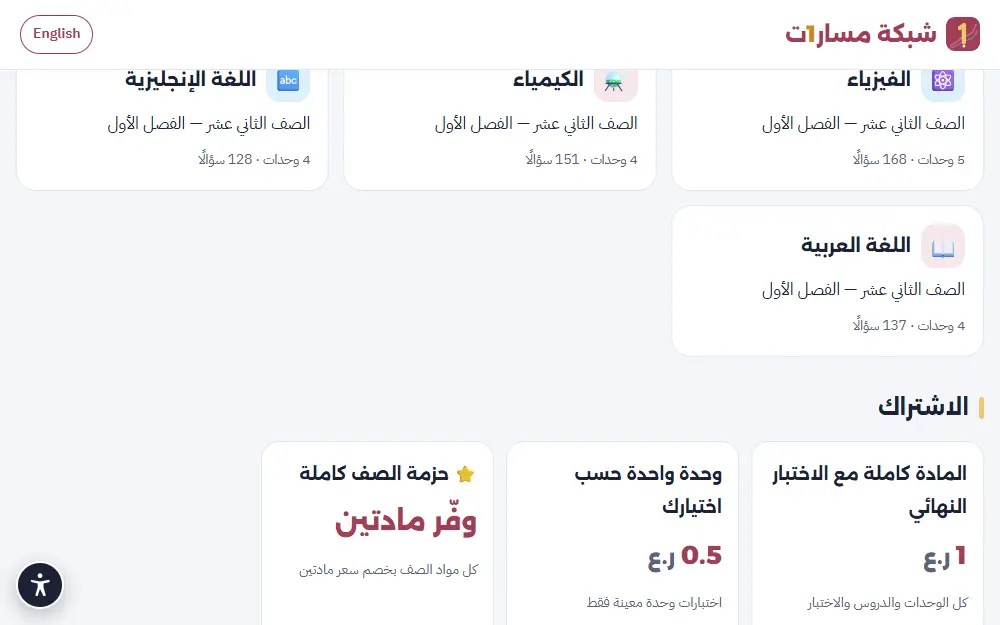
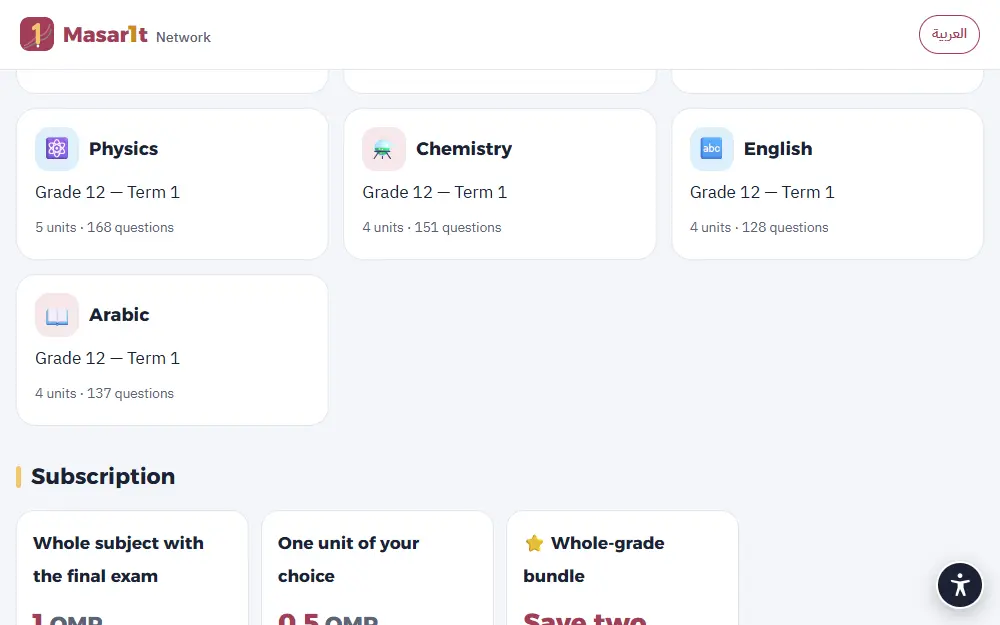
المادة كاملة مع الاختبار الشامل بـ 1 ر.ع، والوحدة الواحدة بـ 0.5 ر.ع، وحزمة الصف كاملة بخصم سعر مادتين. يظهر السعر الدقيق في صفحة كل مقرر قبل الدفع.
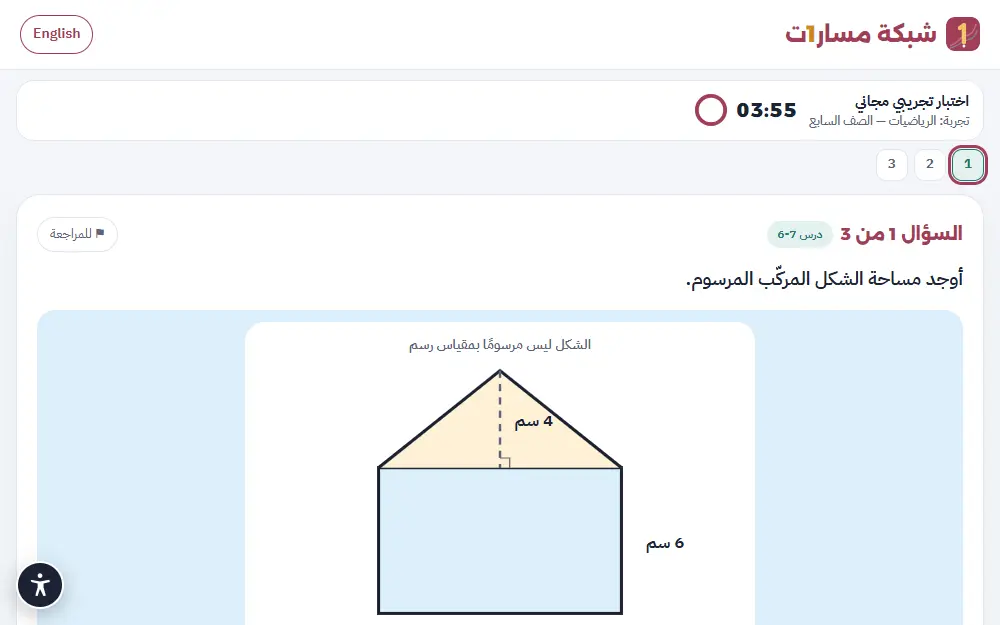
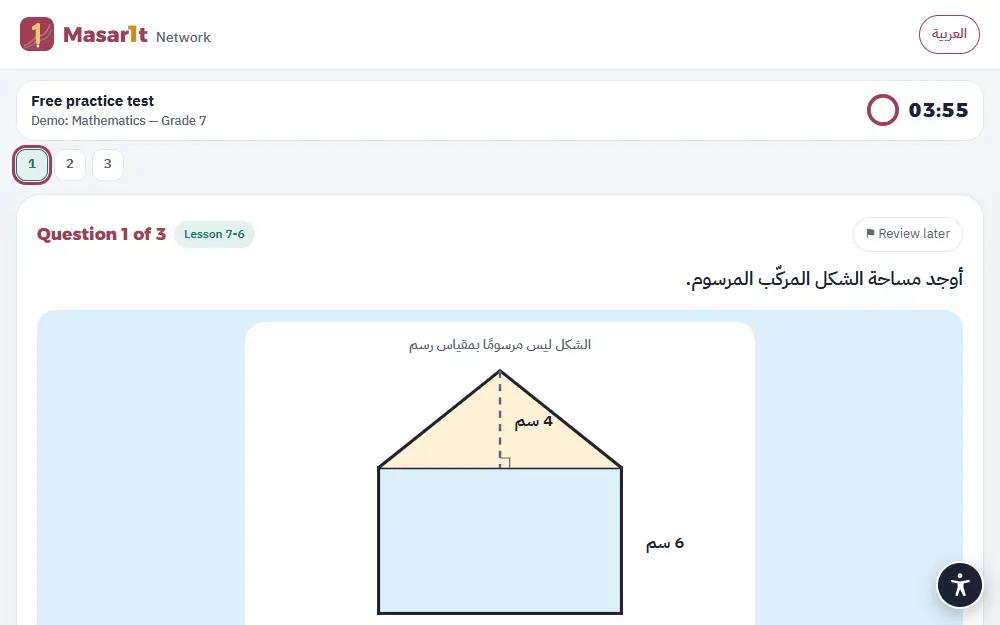
نعم. في صفحة الاختبارات تجارب فورية دون تسجيل، ولكل طالب ثلاثة اختبارات تجريبية مجانية بعد الدخول.
اضغط «ادفع عبر ثواني» في صفحة المقرر، فتنتقل إلى بوابة ثواني الآمنة وتدفع بالبطاقة البنكية. لا تمرّ بيانات بطاقتك بنا، ويتفعّل الاشتراك فور تأكيد الدفع. إن لم يظهر زر الدفع الإلكتروني، اشترك عبر الواتساب ويصلك رمز التفعيل.
حدّث الصفحة أولًا. إن بقي الاشتراك غير مفعّل، راسلنا على الواتساب برقم العملية الذي ظهر لك، فنتحقق منه مع ثواني ونفعّله لك.
اشتراك المادة أو الوحدة صالح 150 يومًا من التفعيل، أي طوال الفصل الدراسي تقريبًا.
بعد الدخول إلى الاختبارات، انزل إلى خانة «رمز الاشتراك»، واكتب الرمز كما وصلك (بالشكل M1-XXXX-XXXX)، ثم اضغط «تفعيل».
تأكد من كتابة الحروف والأرقام كما هي دون مسافات. كل رمز يُستخدم مرة واحدة لحساب واحد؛ إن استُخدم بالخطأ في بريد آخر، راسلنا ونساعدك.
لا تحتاج كلمة مرور. اكتب بريدك (أو بريد وليّ أمرك)، فنرسل رابط دخول آمنًا صالحًا 30 دقيقة. افتح بريدك واضغط الرابط. إن لم يصل، انظر في مجلد الرسائل غير المرغوب فيها، أو اطلب رابطًا جديدًا.
إجاباتك تُحفظ تلقائيًا أثناء الحل. افتح الاختبار من «محاولاتي» وأكمل، مع العلم أن المؤقّت يستمر، ويُسلَّم الاختبار تلقائيًا عند انتهاء الوقت.
الاختبار الشامل (20 سؤالًا في 30 دقيقة) يأتي بأسئلة جديدة في كل مرة. أما النماذج الخمسة فثابتة الأسئلة، لتعيد حلّها وتقيس تقدّمك عليها.
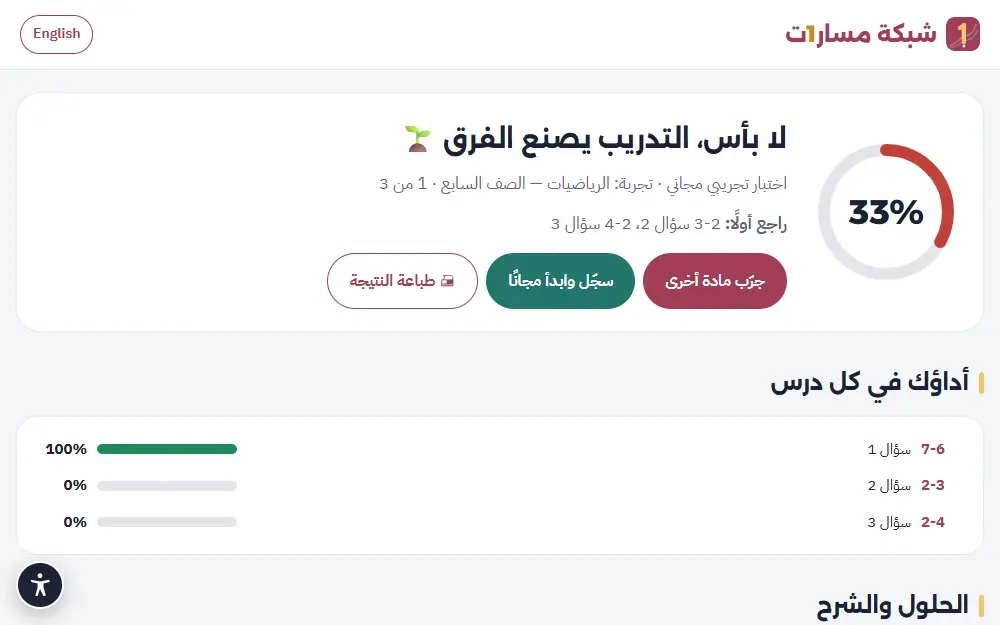
بعد أي اختبار اضغط «تدرّب على أخطائك»، فيُبنى لك اختبار جديد يركّز على الدروس التي تحتاج مراجعة.
في صفحة الحلول تحت كل سؤال زر «أبلغ عن مشكلة في السؤال». كل بلاغ يعيد السؤال إلى المراجعة. اقرأ كيف نراجع الأسئلة في صفحة الثقة والأمان.
الأسئلة بلغة المادة كما في الكتاب المدرسي: مادة اللغة الإنجليزية بالإنجليزية، وبقية المواد بالعربية. واجهة الموقع متاحة بالعربية والإنجليزية من زر اللغة في الأعلى.
في صفحة الطالب خانة «تقرير التقدّم»: اكتب بريد وليّ الأمر واضغط «حفظ وإرسال التقرير الآن». التقرير يوضح المستوى في كل درس ونقاط القوة وما يحتاج مراجعة، ويمكن استلامه كل أسبوع تلقائيًا.
ألغِ تحديد «أرسل التقرير لوليّ أمري كل أسبوع تلقائيًا» في خانة تقرير التقدّم، أو راسلنا ونوقفه لك.
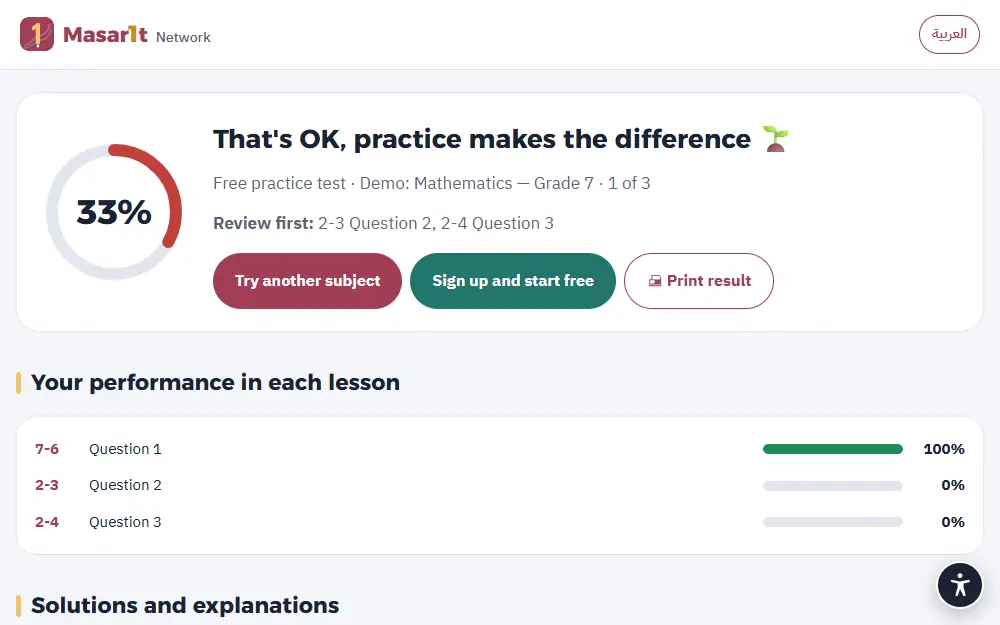
نعم، في صفحة النتيجة زر «طباعة النتيجة»، ويمكن الحفظ بصيغة PDF من نافذة الطباعة.
أداة مجانية تختار فيها الصف والدرس ونوع العمل (خطة درس، اختبار قصير، ورقة عمل…)، فتبني لك أمرًا جاهزًا للذكاء الاصطناعي يتضمن مخرجات الدرس ومواصفات التقويم. انسخه والصقه في Claude أو ChatGPT.
نعم، من خدمة «نصمّمه لك» في الصفحة الرئيسية أو صفحة الطلب. نرسل لك العرض والسعر قبل أي التزام.
البريد المستخدم للدخول، واسم اختياري، والمحاولات والدرجات، وبريد وليّ الأمر إن أُضيف. لا كلمات مرور ولا أرقام هواتف ولا صور. التفاصيل في الثقة والأمان وسياسة الخصوصية.
اكتب إلى [email protected] من البريد المسجّل، ونحذف الحساب وبياناته بالكامل.
لا. لا إعلانات ولا ملفات تتبّع إعلانية، ولا نبيع البيانات أو نشاركها للتسويق.
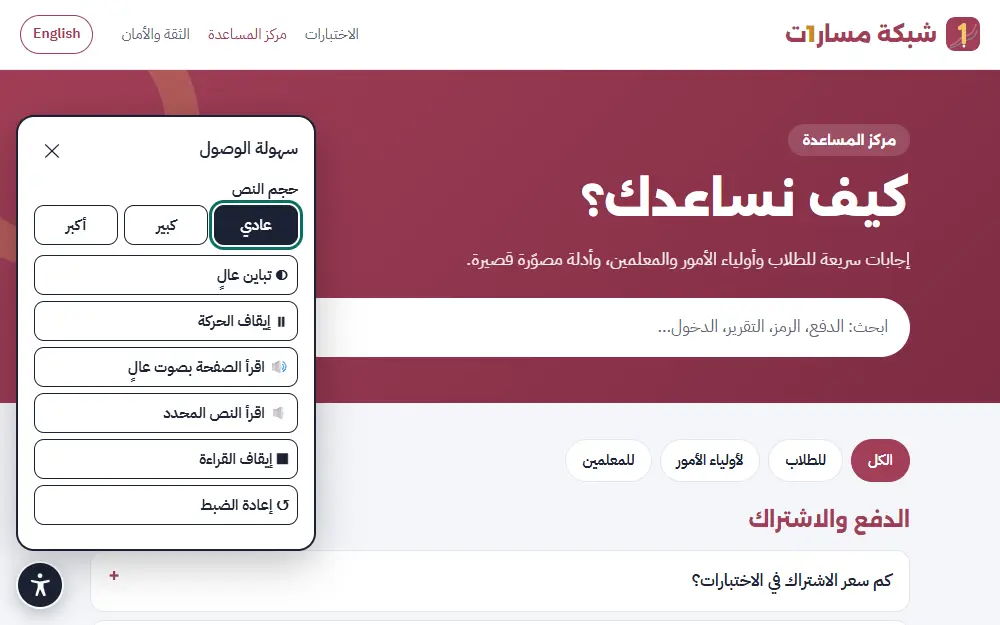
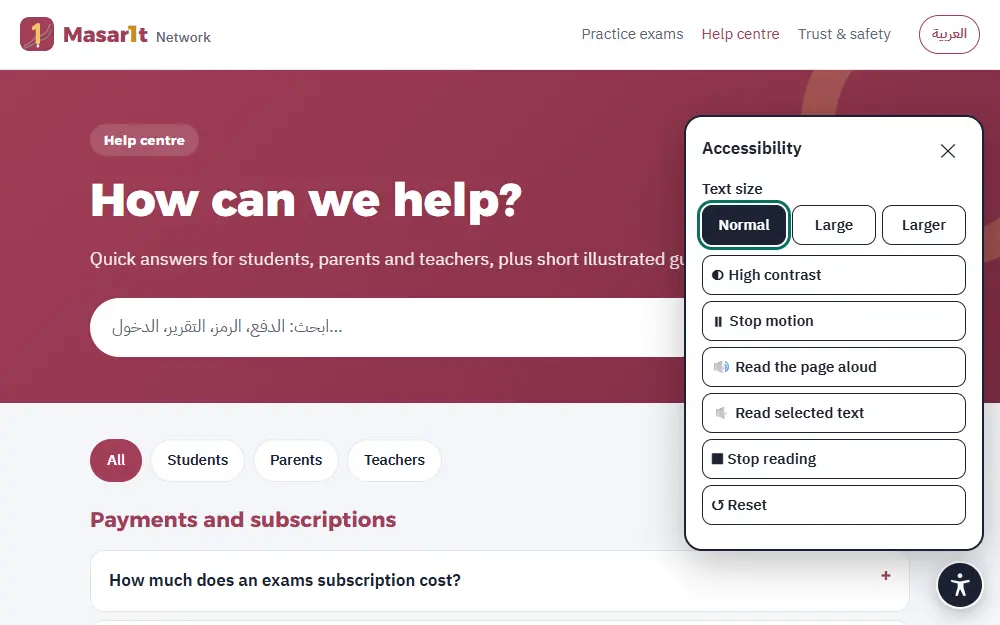
نعم. زر سهولة الوصول (الدائرة الداكنة أسفل الشاشة) يتيح تكبير النص، والتباين العالي، وإيقاف الحركة، وقراءة الصفحة أو النص المحدد بصوت عالٍ.
A whole subject with the full-term exam is 1 OMR, a single unit is 0.5 OMR, and the whole-grade bundle costs two subjects less. The exact price shows on each course page before you pay.
Yes. The exams page has instant demos with no sign-up, and every student gets three free practice tests after signing in.
Press “Pay with Thawani” on the course page. You go to Thawani’s secure gateway and pay by bank card. Your card details never pass through us, and the subscription is activated as soon as payment is confirmed. If the online payment button is not shown, subscribe on WhatsApp and you will receive an activation code.
Refresh the page first. If it is still not active, message us on WhatsApp with the transaction number you were shown; we check it with Thawani and activate it for you.
A subject or unit subscription is valid for 150 days from activation, roughly the whole school term.
After signing in to the exams, scroll to the “Subscription code” box, type the code exactly as you received it (it looks like M1-XXXX-XXXX) and press “Activate”.
Check the letters and numbers carefully, with no spaces. Each code works once, for one account; if it was used by mistake on another email, contact us and we will help.
You don’t need one. Enter your email (or a parent’s), and we send a secure sign-in link valid for 30 minutes. Open your inbox and tap the link. If it doesn’t arrive, check the spam folder or ask for a new link.
Your answers are saved automatically as you go. Open the exam again from “My attempts” and carry on; note that the timer keeps running, and the exam is submitted automatically when time is up.
The full-term exam (20 questions in 30 minutes) draws new questions every time. The five models keep the same questions, so you can retake them and measure your progress.
After any exam press “Practise your mistakes”, and a new exam is built around the lessons you need to review.
On the solutions page, every question has a “Report a problem with this question” button. Each report sends the question back for review. Read how we review questions on the Trust & safety page.
Questions are in the language of the subject, as in the school book: English questions for the English subject and Arabic for the others. The site interface is available in Arabic and English from the language button at the top.
On the student page, the “Progress report” box: enter the parent’s email and press “Save and send the report now”. The report shows the level in each lesson, strengths and what needs review, and it can arrive every week automatically.
Untick “Email the report to my parent every week” in the progress report box, or contact us and we will stop it.
Yes. The result page has a “Print result” button, and you can save it as a PDF from the print window.
A free tool: choose the grade, lesson and type of work (lesson plan, short quiz, worksheet…) and it builds a ready AI prompt that includes the lesson outcomes and assessment specifications. Copy it into Claude or ChatGPT. The prompts themselves are written in Arabic, like the curriculum.
Yes, through “Made for you” on the homepage or the request page. We send you the proposal and price before any commitment.
The email used to sign in, an optional name, attempts and scores, and a parent’s email if added. No passwords, phone numbers or photos. Details on Trust & safety and in the Privacy Policy.
Write to [email protected] from the registered email and we delete the account and its data completely.
No. No ads and no advertising trackers, and we never sell or share data for marketing.
Yes. The accessibility button (the dark circle at the bottom of the screen) offers larger text, high contrast, stopping motion, and reading the page or selected text aloud.
اكتب طلبك أو سؤالك ويصلك الرد، أو تحدّث معنا مباشرة على الواتساب.
Write your request or question and we will reply, or chat with us directly on WhatsApp.